Get the highlights.
Restful colors, deep focus.

Ink-on-Paper
WritingWrite as if on real paper. Textured surface gives control for handwriting and adds natural friction for sketching.
Dual-Tone
Front Light1
Think clearly with less eye strain. Switch between cool daylight and warm amber tones, whether in bright library or late-night dorms.
Academic excellence, achieved with ease.
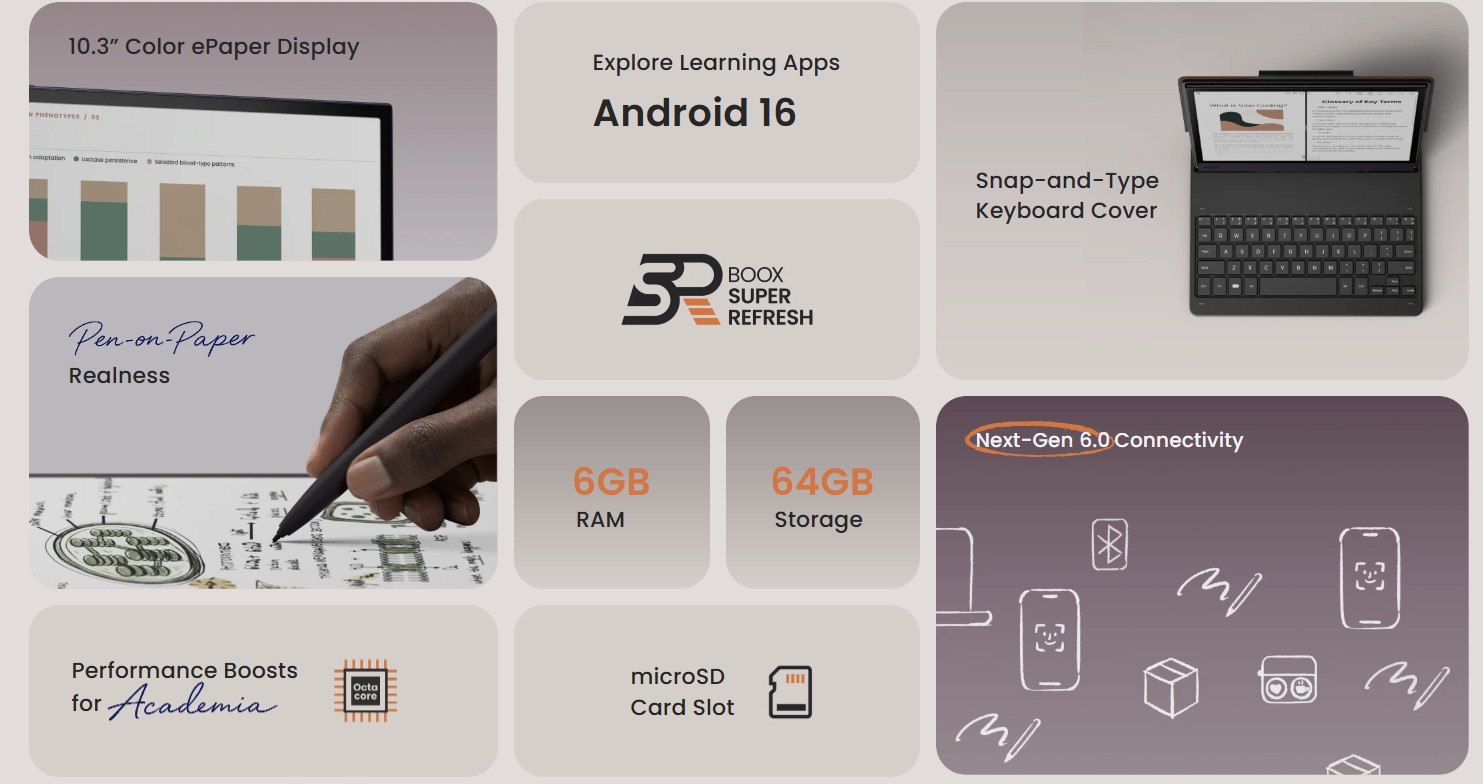
The BOOX Note Air6 C optimizes academic research. It pairs an octa-core processor2 and 6GB RAM with proprietary BOOX Super Refresh Technology3. This setup runs multiple academic apps simultaneously while rendering data-heavy color PDFs and charts with minimal ePaper ghosting or lag.
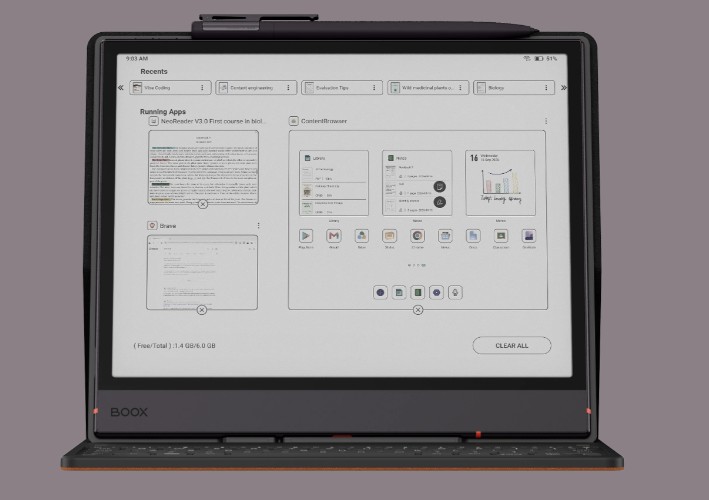
Open and navigate large academic PDFs, research papers and data-heavy documents smoothly with fast access to your study materials.
Move between documents, notes, research tools and academic apps while keeping your workflow organized and responsive.
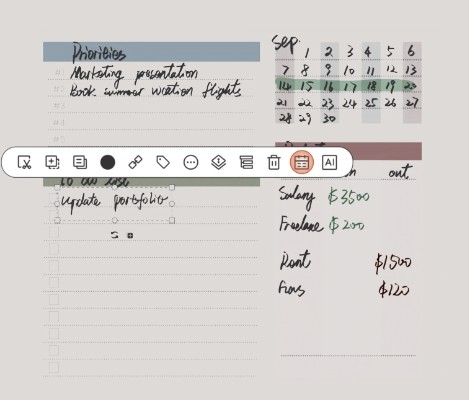
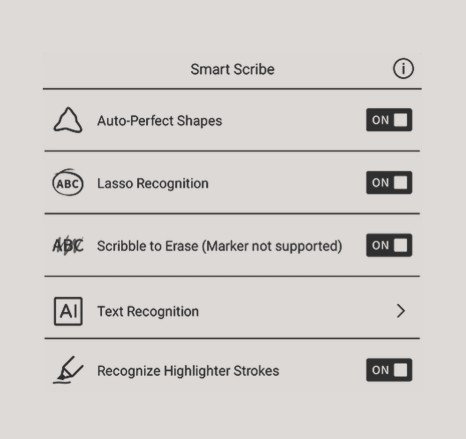
Turn handwritten content into useful digital information while keeping your notes easier to organize, search and reuse.
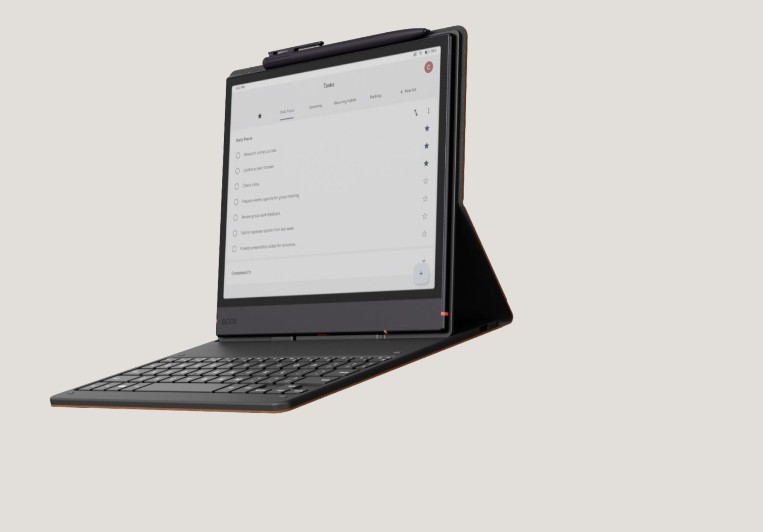
Pair your Note Air6 C with a keyboard workflow for focused writing, research and document creation on the ePaper display.
Major in note-taking, think with you.
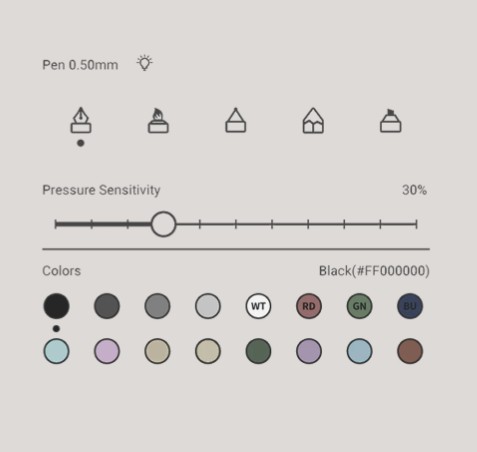
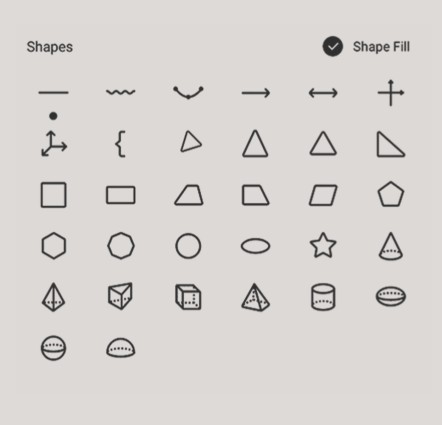
The 10.3" color ePaper notebook for learners, scholars, and thinkers. From rough formulas to conceptual diagrams, polish your notes with various writing tools.
Stay on track, without scrambling.
Talk Insights8 delivers real-time transcriptions in multiple languages. Keep up with every discussion from group meetings to thesis advising sessions. Focus on active listening instead of rushing to write or type down everything.
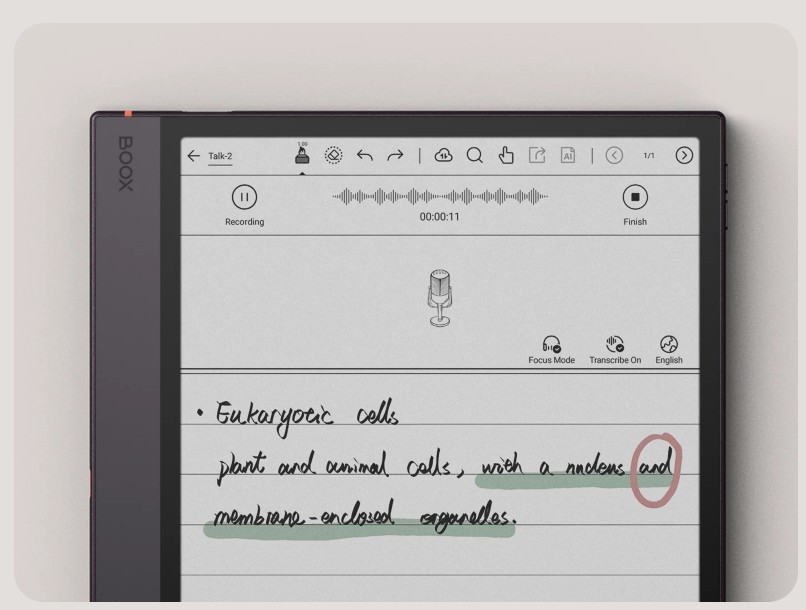
Record and write down key words at the same time. You can start and pause recording anytime during a meeting or research interview. If you want a more immersive experience, you can turn on Focus Mode to hide the scrolling real-time transcription.
For textual depth, page by page.
Handle complex documents with the Note Air6 C. Reading tools within NeoReader transform overwhelming content into clear, actionable knowledge. Get the most out of your academic reading, from digesting dense papers to examining colored charts.
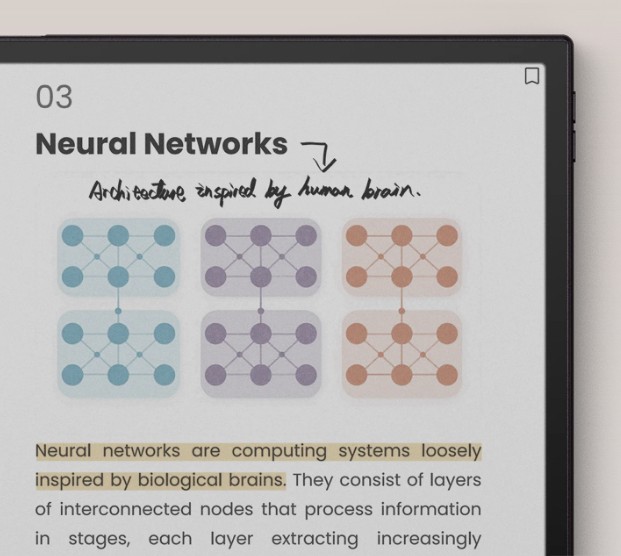
Rebuild attention with active reading. Highlight or underline to color-code core arguments and supporting evidence. Write margin notes directly on documents across multiple formats9 to turn passive reading into active intellectual dialogue.
Get ready with your unique study hub.

Android 16
Download third party apps for learning,
self-growth,
or a relaxing wind down via the Google Play Store.
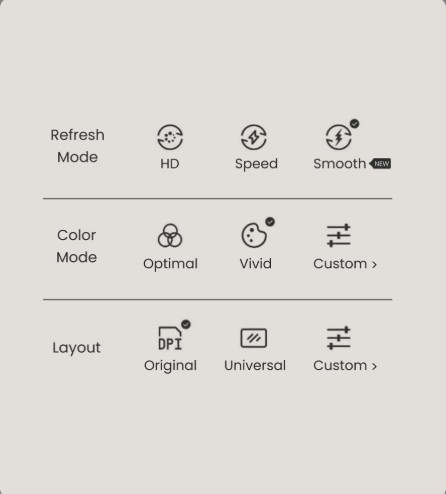
Smooth Mode
Optimized algorithms reduce visual lag
for a smoother ePaper experience.
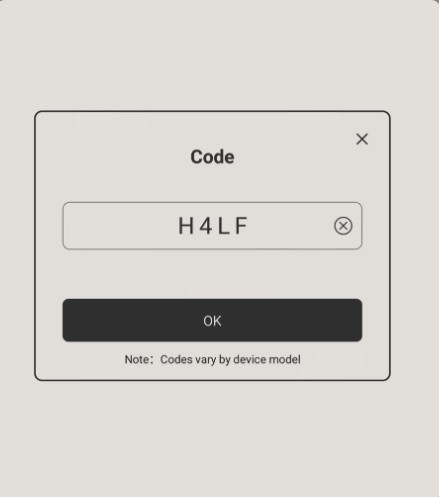
EinkWise Code12
Set up ePaper settings instantly with EinkWise Code
for text-reading, color PDFs, or online research.
Seamless learning for productivity.
The Note Air6 C helps build a digital eKnowledge system. With seamless cloud backup and multi-device synchronization, its open Android 16 OS also offers third-party integration.
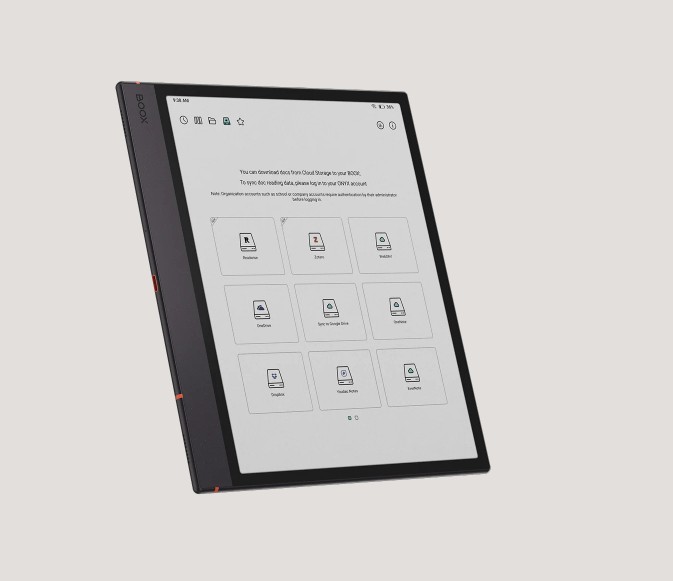
Third-Party Ecosystem Ready
Play nice with your favorite platforms. Effortlessly integrate with third-party cloud services like Google Drive, Readwise, and Zotero, to sync your books and reading insights across devices.
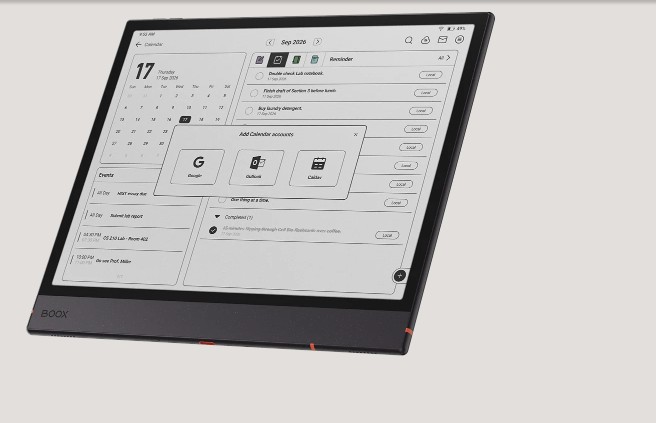
Plan Your Day in One Place
Time management made easy. Write down anything for reminders, turn handwritten content into to-do tasks, and organize your schedule with calendar sync, directly from the Calendar Memo13.
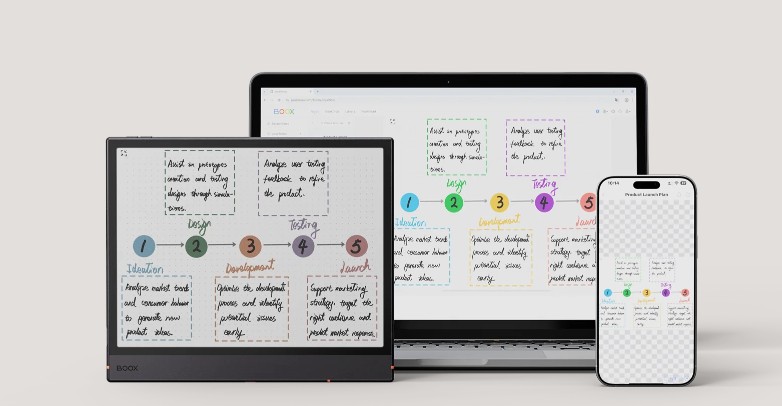
Cross-Device Wireless Transfer
Share your thoughts instantly. Transfer notes, documents, and images across devices using BOOXDrop14. When it's time to collaborate, BOOXDrop Screen Mirroring casts your screen in real time for presentations and brainstorming.
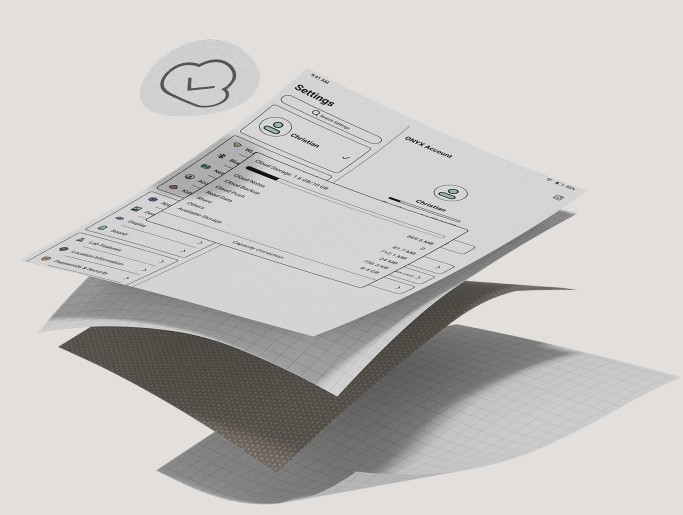
10GB Cloud Storage
Free 10GB Onyx cloud15 storage to house
semester-long archives.
All your papers, lecture notes, textbooks, even reading
data are
securely stored and backed up in the cloud.
Explore campus-ready accessories.
The Keys to Ideas
Connect the keyboard cover via po-go pins. Handle quick typing tasks like drafting emails, editing essays, or typing up meeting minutes. You can also charge your device through the built-in USB-C port.
Learn More